Key points
- Your Google Business Profile often brings more calls than your website, so it deserves 30 minutes of attention.
- Accuracy comes first: name, category, address or service area, phone and hours.
- Photos, services and fresh reviews help Google and customers trust you.
- Check your results every month so you know which fixes worked.
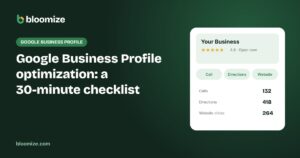
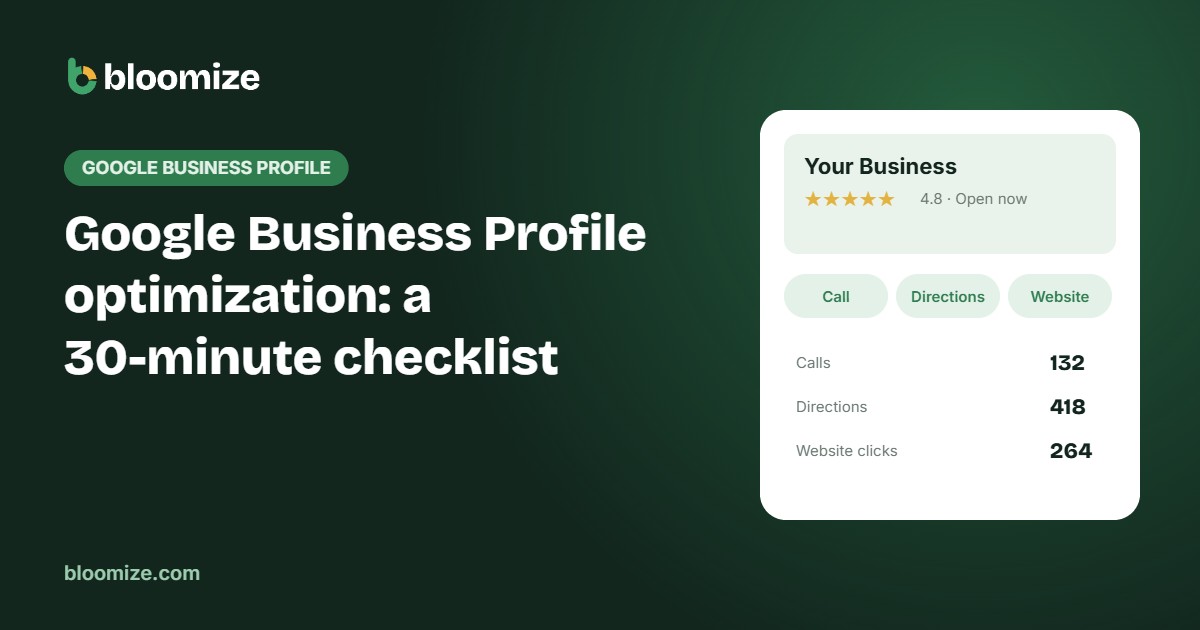
When someone searches for a business like yours on their phone, the first thing they usually see is not your website. It is your Google Business Profile: the box with your name, stars, photos, hours and a big Call button. For many local businesses, this listing quietly brings in more calls and visits than any other marketing channel.
The good news is that a strong profile does not require an agency or a big budget. Set a timer for 30 minutes, open your profile on Google Business Profile, and work through this checklist from top to bottom. The items at the top matter most.
Minutes 1–8: get the basics exactly right
Google’s local ranking is based mainly on three things: relevance, distance and prominence. You cannot change your distance from a customer, but accurate basics make your profile relevant and trustworthy. Check each of these carefully:
- Business name. Use your real-world name exactly as it appears on your sign, website and documents. Adding keywords such as “Best Plumber Los Angeles” breaks Google’s guidelines and can get your profile suspended.
- Primary category. Pick the most specific category that describes your main business, for example “Italian restaurant” rather than “Restaurant.” This single choice has a big effect on which searches you appear for.
- Address or service area. If customers visit you, show your address. If you travel to customers, set a service area and hide the address.
- Phone number. Use a number that is answered during business hours. A missed call from Google is a lost customer.
- Hours. Make sure regular hours are correct and add special hours for holidays. Wrong hours are one of the fastest ways to earn a one-star review.
Minutes 9–15: tell Google what you actually do
Many profiles stop at the basics, which leaves Google guessing. The more clearly you describe your business, the more searches you can match.
- Additional categories. Add secondary categories only if they truly describe part of your business. A dental office might add “Cosmetic dentist” or “Emergency dental service.”
- Services or menu. List each main service with a short, plain description. Restaurants should add their menu or a menu link.
- Description. Write two or three short paragraphs about what you do, who you serve and where. Write for people, not for search engines.
- Attributes. Add features customers care about, such as wheelchair access, online booking, outdoor seating or payment options. Google explains them in its guide to business attributes.
- Website link. Point it to your homepage or, for multi-location businesses, to the right location page. Check that the page loads quickly on a phone.
Minutes 16–22: photos that build trust
People decide with their eyes. A profile with real, recent photos looks active and trustworthy, while a profile with one blurry logo looks abandoned.
Add at least ten photos: the outside of your building so people recognize it, the inside, your team, and your work or products. Use real photos instead of stock images. Then make a habit of adding a few new ones every month. It takes five minutes and keeps your listing fresh.
Minutes 23–27: reviews and replies
Reviews influence both rankings and decisions. Customers read them, and Google treats a steady flow of genuine reviews as a sign that your business is real and active.
- Reply to every review from the last three months, good and bad. Thank happy customers by name and keep replies short.
- For negative reviews, stay calm, acknowledge the problem and invite the person to contact you directly. Future customers read your reply more than the complaint.
- Ask recent happy customers for a review using your review link. Never offer discounts or gifts in exchange. That breaks Google’s rules.
We cover this in more depth in our guide on why replying to reviews matters.
Minutes 28–30: set up a simple monthly check
A checklist is a snapshot. What matters is whether your changes bring more customers. Each month, look at four numbers from your profile:
- Calls from your listing.
- Direction requests, the clearest sign of real visits.
- Website clicks from your listing.
- New reviews and your average rating.
Compare each number with last month. If calls rise after you added services and photos, you know it worked. If they drop, check whether your hours, phone number or category changed. Google shows some of these numbers in its own performance view, and Bloomize collects them for you every month, next to your website and search results.
Common mistakes to avoid
- Keyword stuffing in the business name, which risks suspension.
- Using a virtual office or a mailbox as your address. Google does not allow it.
- Creating duplicate profiles for the same location, which splits your reviews and confuses Google.
- Ignoring suggested edits. Anyone can suggest changes to your profile. Check it regularly so incorrect edits do not stay live.
- Setting it and forgetting it. A profile that never changes slowly loses ground to competitors who keep theirs active.
The bottom line
Thirty focused minutes can turn your Google Business Profile from a static listing into one of your best sources of customers. Get the basics right, describe what you do, add real photos, reply to reviews, and check your numbers once a month. If you want a quick score, try our free Business Profile checklist, and to see your monthly results without logging in to five tools, take a look at a sample Bloomize report.