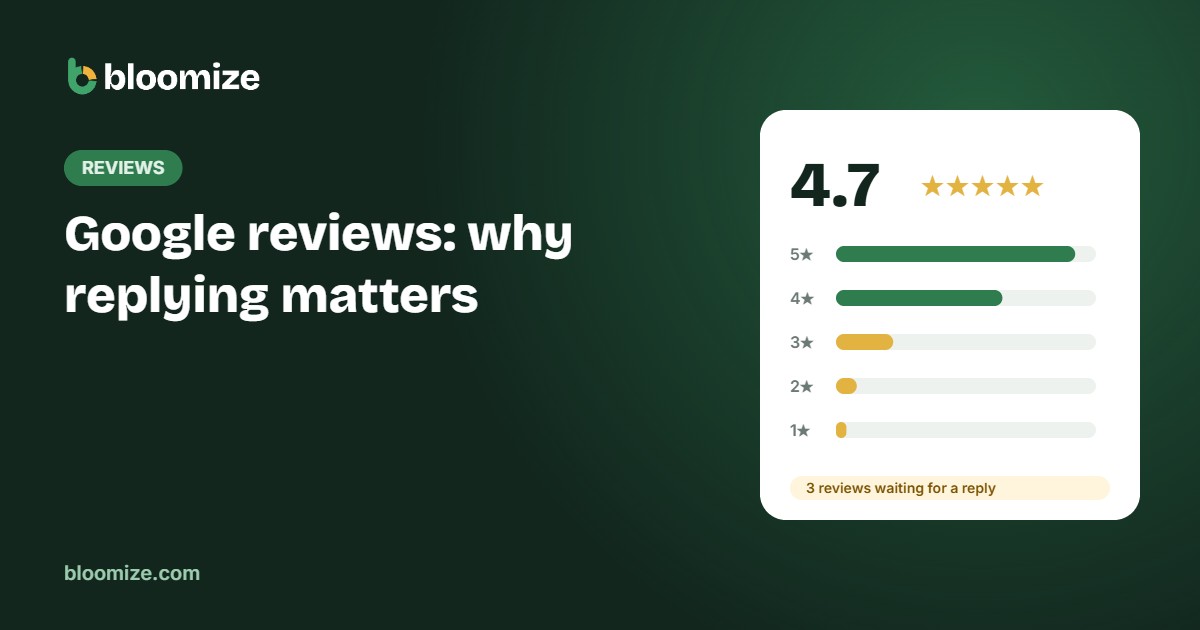
For a local business, Google reviews do two jobs at once. They convince people who are comparing you with a competitor, and they’re one of the signals Google uses to decide how prominent your business is on Maps. Both jobs reward the same habits: steady new reviews and thoughtful replies.
Why replies matter
- Future customers read them. A calm, helpful reply to a complaint often reassures people more than a row of five-star reviews.
- It shows you’re active. A profile where the owner replies looks cared for. An unanswered complaint looks abandoned.
- Google encourages it. Google’s own guidance for business owners recommends replying to reviews to build trust with customers.
How to reply
To a positive review: thank them by name, mention something specific they said, and invite them back. Keep it short and personal, not a copy-paste line.
To a negative review: reply within a few days. Stay calm and don’t argue in public. Apologize for their experience, explain briefly if there was a misunderstanding, and offer to fix it offline with a phone number or email. Many unhappy customers update their review after a good follow-up.
Never share private customer details in a reply, even if they’re wrong about what happened.
How to get more reviews, the right way
- Ask at the right moment: right after a job is done or a customer says thank you.
- Make it easy: send your direct review link by text or email, or print it as a QR code at the counter. You’ll find the link in your Google Business Profile.
- Ask everyone, not only happy customers. Google’s policies don’t allow selectively asking for positive reviews.
- Don’t offer rewards for reviews, and never post reviews yourself or buy them. Google removes fake reviews and can restrict your profile.
- Make it routine: a few reviews every week is better than a big push once a year.
Keep an eye on other review sites
Depending on your industry, Facebook, Healthgrades, Tripadvisor, Houzz or others may matter too. Check them once a month so you’re not surprised by an old complaint.
Bloomize shows your Google rating over time, new reviews each month, and the ones still waiting for a reply, with your other review sites alongside. Get a free check to see your rating and reply rate.