Key points
- Google Ads charges per click. Local Services Ads charge per lead, such as a call or message.
- Local Services Ads are only available for certain service categories and locations, and require verification.
- Many businesses do best running both, then comparing cost per lead.
- Whatever you choose, track leads, not clicks, and compare paid results with what Google sends you for free.
If you run a local service business, you have probably been offered two kinds of Google advertising: regular Google Ads and Local Services Ads. Both put your business at the top of Google, both cost money, and the difference is not always clear. Choosing the wrong one can mean paying for clicks that never turn into customers.
This guide explains how each works, who each suits, and how to decide with your own numbers.
How Google Ads works
Google Ads, sometimes called search ads or pay-per-click, shows a text ad when someone searches for words you choose, such as “emergency plumber.” You set a budget and bid, and you pay each time someone clicks. Google’s guide to Google Ads covers the basics.
Strengths:
- Available for almost every type of business.
- Full control over keywords, ad text, landing pages, schedules and locations.
- Can promote specific services or offers, and send people to the page you choose.
Watch out for:
- You pay for clicks, whether or not the person calls.
- It takes skill to avoid wasted spend on irrelevant searches.
- Without conversion tracking, you cannot tell which clicks became customers.
How Local Services Ads work
Local Services Ads appear at the very top of results for many service searches, often with a “Google Screened” or “Google Guaranteed” badge depending on your industry. Instead of paying per click, you generally pay per lead: a call, message or booking request from a potential customer.
Strengths:
- You pay for contacts, not clicks.
- The badge and top position build trust.
- Setup is simpler: no keywords or ad text to write.
Watch out for:
- Only available for certain categories and areas.
- You need to pass background, license or insurance checks, depending on your industry.
- Less control: Google decides when to show you, partly based on reviews and responsiveness.
- Some leads will not be a fit. You can dispute certain invalid leads, but not every poor one.
Side by side
| Google Ads | Local Services Ads | |
|---|---|---|
| You pay for | Clicks | Leads (calls, messages, bookings) |
| Availability | Almost every business | Selected service categories and areas |
| Control | High: keywords, ads, pages, bids | Low: services, area, budget, hours |
| Setup effort | Medium to high | Low, plus verification |
| Trust signal | Standard “Sponsored” label | Badge where available |
Which is right for you?
Start with Local Services Ads if
- Your category is eligible in your area.
- You want leads without managing keywords and bids.
- Your phone is answered quickly. Responsiveness affects how often you are shown.
- You already have good reviews.
Start with Google Ads if
- Local Services Ads are not available for your business.
- You want to promote specific high-value services or offers.
- You have, or can hire, someone to manage the account and check search terms.
- You have strong landing pages that turn visitors into leads.
Run both if
You are in a competitive market and have the budget. Many service businesses use Local Services Ads for steady lead flow and Google Ads for specific services or areas where they want more volume.
Judge with cost per lead, not cost per click
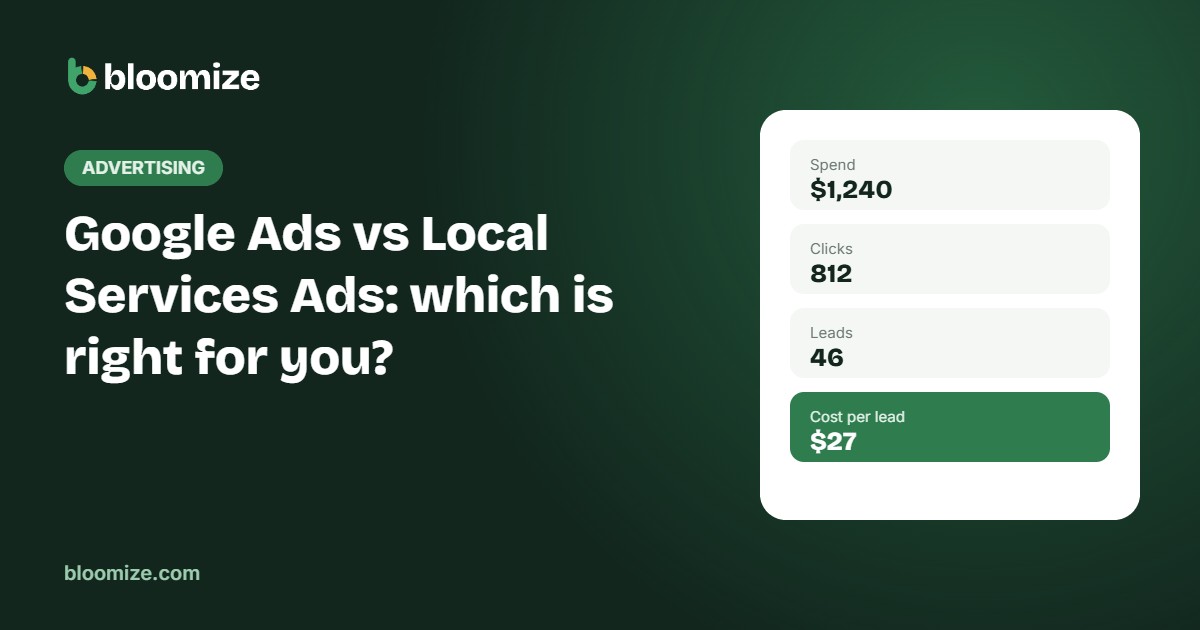
The number that matters is cost per lead: what you spent divided by the leads you got. A $5 click that rarely leads anywhere can cost more per lead than a $60 Local Services lead that books a job half the time.
Then compare that cost with what a customer is worth. Our free calls value calculator helps you estimate the value of a lead from Google, so you can see which ads pay for themselves.
Do not forget the free channel
Ads should add customers, not replace the ones Google would send you anyway. Before increasing your budget, check how many calls and visits your Google Business Profile and website already bring in for free. If those are weak, improving them is often cheaper than buying more ads.
Bloomize shows your Google Ads spend, leads and cost per lead next to your free Google results each month, from the Growth plan up, so you can see whether ads are growing your business or just paying for customers who would have found you anyway.