Key points
- Service-area businesses often rank well near their base and disappear a few miles away.
- Google ranks local results by relevance, distance and prominence. You can improve two of the three.
- Useful pages for the areas and services you cover, plus reviews from customers across your area, widen your reach.
- A Maps rank grid shows exactly where you are visible, street by street.
Plumbers, electricians, HVAC companies, cleaners, movers, mobile pet groomers: many of the busiest local businesses never have customers walk through their door. They drive to their customers. Google calls them service-area businesses, and they face a specific problem.
They tend to rank well close to their office, then fade out a few miles away, even though they happily serve the whole region. This guide explains why that happens and what you can do about it.
Why your rankings fade with distance
Google says local results are based on three main factors: relevance, distance and prominence. You can read the official explanation in Google’s tips to improve your local ranking.
Distance is measured from your business location to the person searching, or to the area they name in the search. Setting a large service area on your profile tells customers where you work, but it does not make Google treat you as if you were located everywhere in that area. That is why a competitor based closer to the searcher can outrank you there.
The good news is that relevance and prominence can make up a lot of ground. Strong businesses regularly appear well beyond their immediate neighborhood.
Step 1: set up your profile correctly
- Hide your address if customers do not visit you, and set your service area instead. Google explains how in its guide to managing service areas.
- List the areas you really serve. Keep it realistic. Google suggests the overall area should generally not extend more than about two hours of driving from your base.
- Choose precise categories, such as “Water heater installation service” rather than only “Plumber,” where they fit.
- Add every service you offer with a clear description.
Step 2: create genuinely useful area pages
Your website is one of the strongest relevance signals. If you serve five cities, a page for each one that explains your service there can help you appear in those cities.
The key word is useful. Copying the same page five times and swapping the city name does not help customers and can be treated as low quality. Instead, include things that are truly local:
- Typical jobs you do in that area, such as older homes, specific building types or common problems.
- Response times and when you are usually in that area.
- Photos of real jobs there, with the customer’s permission.
- Reviews or short stories from customers in that city.
- Practical details: permits, parking, local regulations you deal with.
Step 3: build prominence across your whole area
Prominence is how well known and trusted your business is. For service businesses, three things help most:
- Reviews from customers across your area. Ask every customer, not only those near your base. Reviews that mention the neighborhood and the service are especially helpful. See our guide on getting more Google reviews.
- Local mentions. Community sponsorships, local news, neighborhood associations and supplier listings in each area.
- Consistent details on your website, Google profile and major directories.
Step 4: measure where you actually appear
Here is where many businesses go wrong: they search for “plumber” from their office, see themselves near the top, and assume they rank everywhere. Results depend on where the searcher is, so you need to check from many locations.
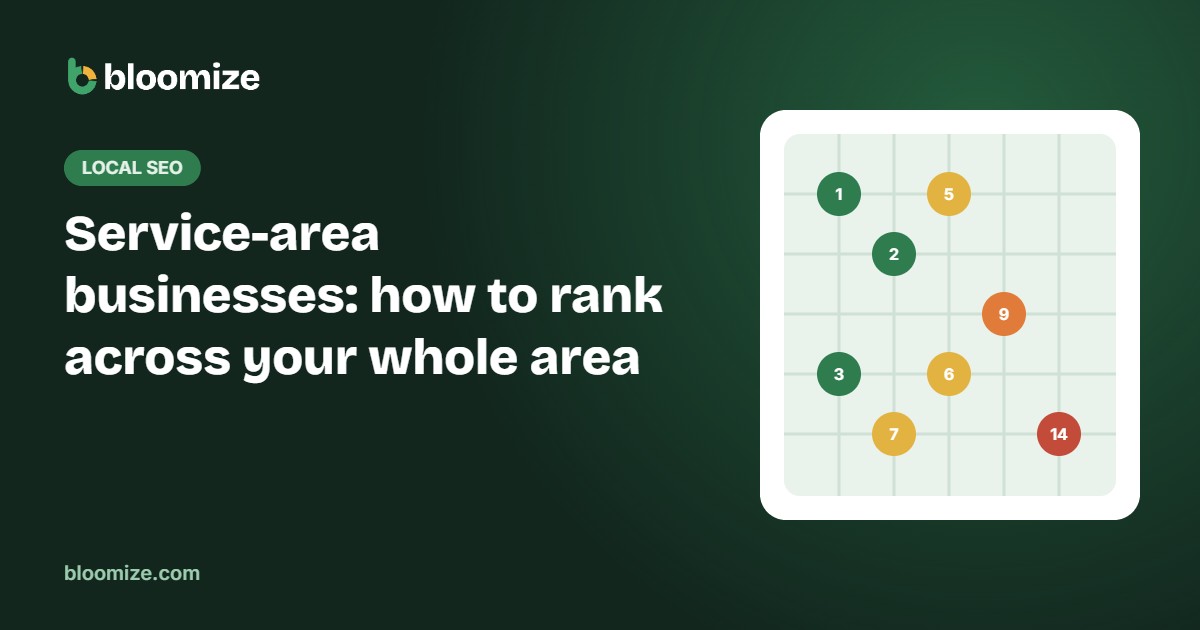
A Maps rank grid does exactly that. It checks your position for a keyword from a grid of points across your area and shows the results as colored dots on a map. Green dots are top three, red dots are where you are hard to find. You can see an example in our sample report.
With a grid, you can see where you are strong, where competitors win, and whether your new area page or review campaign is moving the dots month by month.
Step 5: consider ads for the hardest areas
Some areas will stay difficult, often where a strong competitor is located. If those areas are valuable, paid options can fill the gap while your organic presence grows. Google’s Local Services Ads charge per lead and show at the top of results in many service categories. Compare the cost per lead with the value of a customer before scaling up.
The bottom line
Service-area businesses cannot change how Google measures distance, but they can become the most relevant and best-known option across their region. Set up your profile correctly, build a few genuinely useful area pages, earn reviews everywhere you work, and measure with a rank grid instead of guessing. Bloomize for home service businesses puts your calls, leads and Maps grid on one page each month.