
Home › Integrations › Google Search Console
Google Search Console integration
Search Console is Google’s free report on how your website shows up in Google search. Bloomize turns it into a one-page summary: the searches you appear for, the clicks you get and what changed this month.
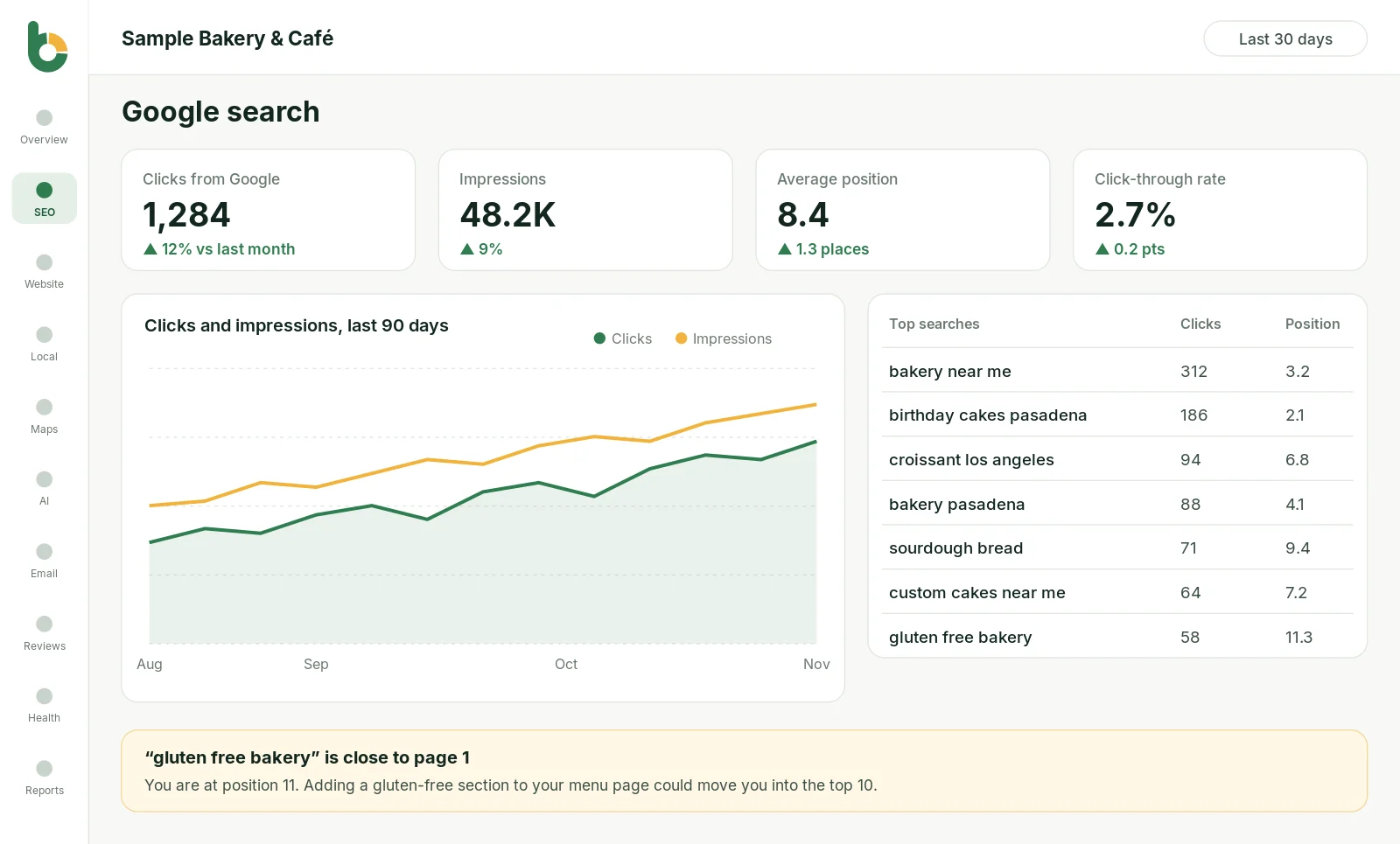

What you see
The words people type before they see your website, with how often you show up and how often they click.
How many times you were shown in Google (impressions) and how many people clicked through, compared with last month.
Roughly where you rank for each search, so you can see which ones are close to page one.
The pages on your site that bring in the most Google visitors.
The share of people who clicked after seeing you, a quick check on your page titles.
Bloomize points out searches that are rising or falling and pages that need attention.
Search Console is powerful, but it is built for web developers. Most owners open it once, see a wall of charts and filters, and never come back. Bloomize reads the same data and answers the three questions an owner actually has: Are more people finding us on Google? For what? And is it getting better or worse?
If a search is slipping, Bloomize says so in one sentence. If a page suddenly gets more clicks, you see it at the top of the report. You do not need to know what a “property” or a “query filter” is.
No Search Console yet? Google’s Search Console page walks you through adding and verifying your site; it is free.
Google permission requested: webmasters.readonly (view Search Console data). Bloomize cannot submit sitemaps, remove URLs or change any setting.
Bloomize only reads your data. It never posts, edits, deletes or sells anything, and it never uses your data for advertising. You can disconnect at any time: remove access from your Google Account permissions (or Constant Contact’s settings), or ask us at support. How we handle Google data follows the Google API Services User Data Policy, including its Limited Use requirements. Read more in our Privacy Policy and on our Security page.
Related: Google search feature · All integrations · Sample report
Trusted guides from the source, if you want to go deeper.
No. Search Console shows what happens in Google search before someone clicks. Google Analytics shows what visitors do on your website after they arrive. Bloomize shows both side by side.
They measure different things: a click in Search Console and a session in Analytics are counted differently, and privacy settings hide some visits. Trends matter more than exact matches.
An impression is counted each time your site appears in someone’s search results, even if they don’t scroll to it. See our impressions vs clicks explainer.
Try Bloomize free
14-day free trial. Read-only access, cancel anytime before the trial ends and pay nothing.