
Home › Integrations › Google Analytics
Google Analytics integration
Google Analytics 4 (GA4) tracks what people do on your website. Bloomize pulls out the handful of numbers a small business needs: visitors, where they came from and what they did.
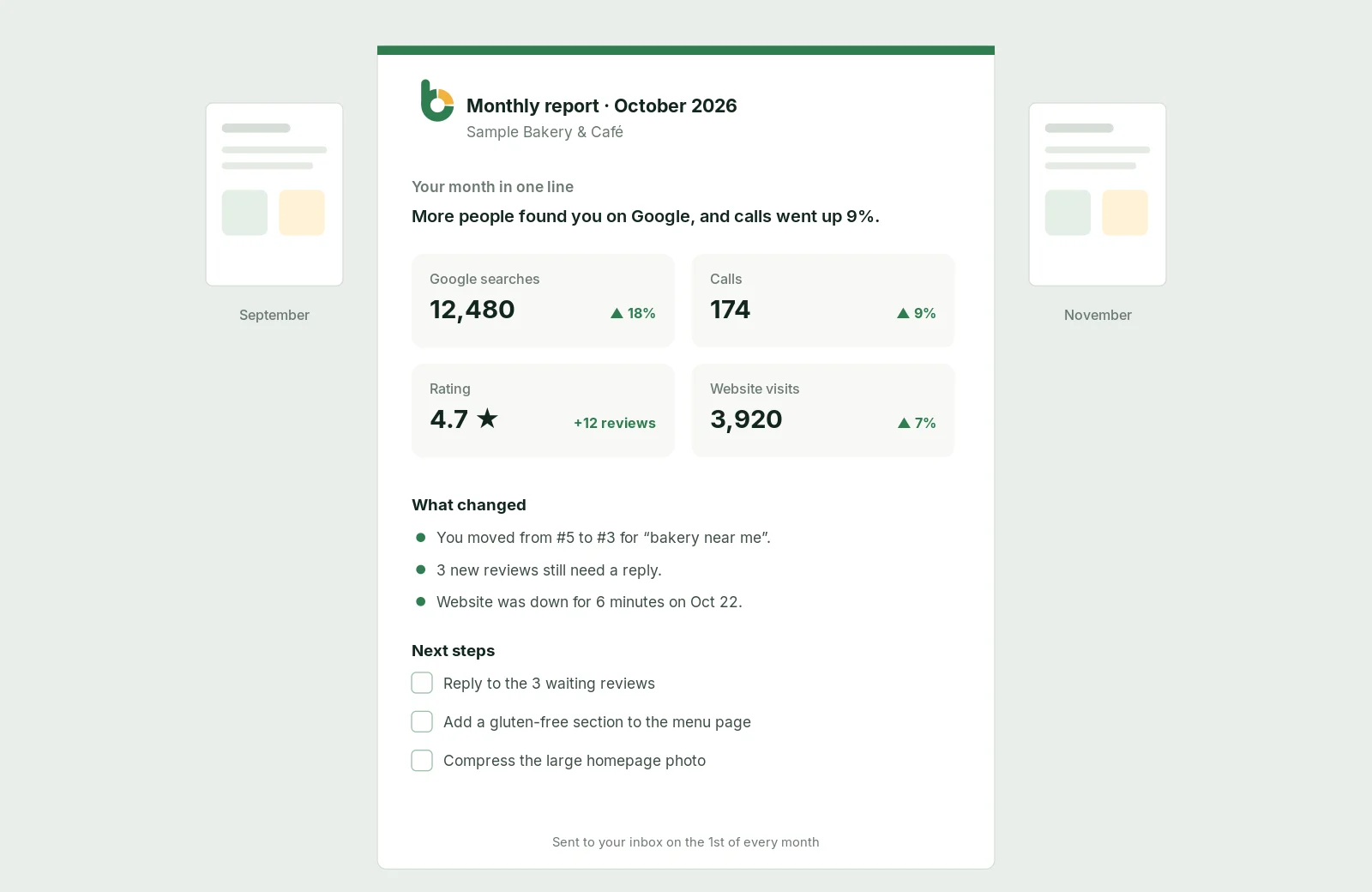

What you see
How many people visited your site this month and how that compares with last month.
Google search, Google Maps, ads, social, email or direct, in simple groups.
Which pages people visit most and which ones keep them reading.
How many visitors use a phone, so you know where your site must work best.
Form submissions, calls and other actions you mark as important in GA4.
The share of visits where people actually stayed and looked around.
When Google replaced Universal Analytics with GA4, many owners lost track of their numbers: the reports moved, the names changed and simple questions became hard to answer. Bloomize asks GA4 the questions for you and shows the answers in plain words next to your Google search and Business Profile results, so you can see the whole path from a Google search to a lead.
Want leads counted? Mark form submissions and calls as key events in GA4; Google’s guide to recommended events explains how.
Google permission requested: analytics.readonly (view Google Analytics data). Bloomize cannot change your tracking, goals or settings.
Bloomize only reads your data. It never posts, edits, deletes or sells anything, and it never uses your data for advertising. You can disconnect at any time: remove access from your Google Account permissions (or Constant Contact’s settings), or ask us at support. How we handle Google data follows the Google API Services User Data Policy, including its Limited Use requirements. Read more in our Privacy Policy and on our Security page.
Trusted guides from the source, if you want to go deeper.
They answer different questions. Search Console covers Google search before the click; GA4 covers everything on your site, from every source.
No. Google stopped processing Universal Analytics data in 2023; Bloomize works with GA4 properties.
The share of sessions that lasted more than 10 seconds, viewed two or more pages or had a key event. See the Google guide in the resources below.
Try Bloomize free
14-day free trial. Read-only access, cancel anytime before the trial ends and pay nothing.