Key points
- Traffic is not the goal. Calls, form submissions and bookings are.
- Leads from Google arrive through three doors: your Business Profile, your website and your ads.
- Each door needs its own simple tracking, and most of it is free.
- Ask new customers how they found you. It fills the gaps that software cannot see.
“How many customers did we get from Google last month?” It sounds like a simple question, but most small business owners cannot answer it. They can see website visitors, maybe some clicks, but not the thing that pays the bills: phone calls, form submissions and bookings.
This guide shows how to track leads from Google with mostly free tools, so you can see which marketing works and which does not.
The three doors leads come through
A customer who finds you on Google usually contacts you in one of three ways:
- Your Google Business Profile. They tap Call, ask for directions or click to your website straight from your listing.
- Your website. They arrive from a search result, then call, fill in a form or book online.
- Your ads. They click a Google Ad or a Local Services Ad and then contact you.
Each door has its own tracking. Once all three are in place, you can add them up.
Door 1: your Google Business Profile
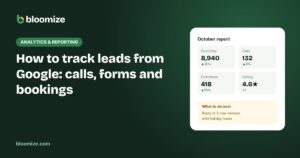
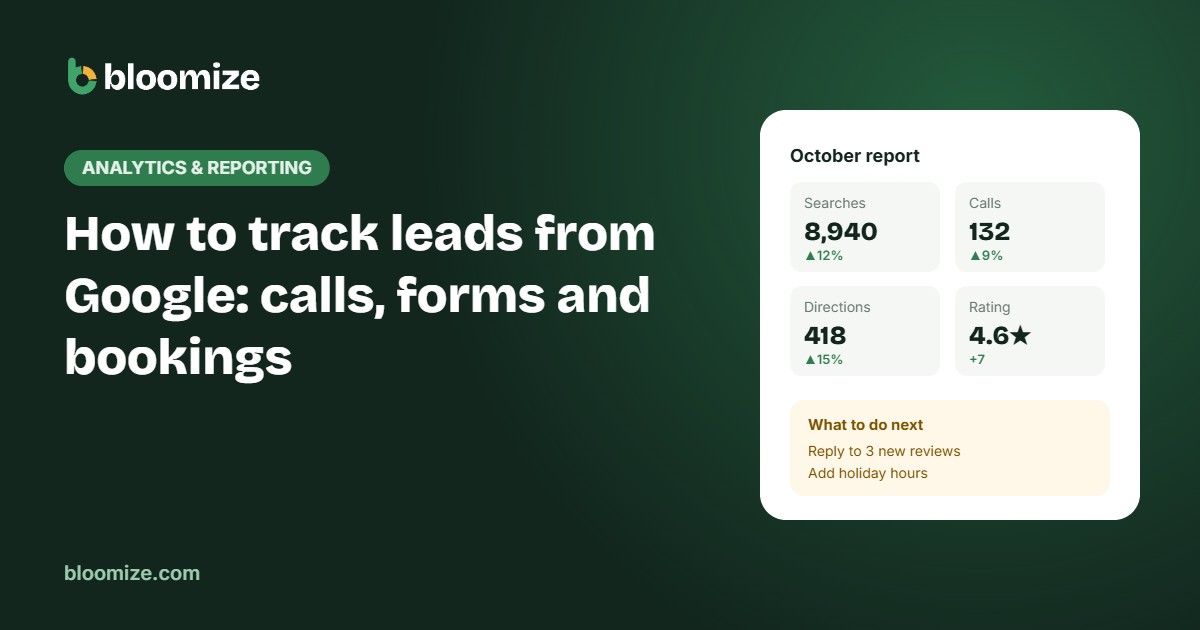
This is the easiest. Google already counts calls, direction requests and website clicks from your profile, and shows them in your performance view. There is nothing to install.
Write these three numbers down every month, or let a tool collect them. Direction requests are especially useful for businesses customers visit, because they are a strong sign of real visits.
Door 2: your website
Your website needs Google Analytics 4 with a few key events set up. Without them, GA4 shows visitors but not leads. The most important ones:
- Form submissions. Count when someone successfully submits your contact or quote form, ideally on the thank-you message or page.
- Phone-number clicks. On phones, people tap your number. Each tap can be tracked as an event.
- Email clicks and booking clicks, if you use an online booking tool.
Mark these as key events in GA4. Google’s guide to recommended events explains the setup, and many website builders and form plugins can send these events automatically.
Door 3: your ads
If you run Google Ads, import your GA4 key events or set up conversions in Google Ads directly. Google explains how in its article on conversion measurement. Calls from ads can be counted too.
Local Services Ads track leads automatically in their own dashboard, because you pay per lead. Export or note the count each month.
Fill the gaps: ask every new customer
No software sees everything. Someone may find you on Google on their phone, then call a week later from their office, or walk in without calling first. The simplest, most reliable addition to your tracking is a question:
“How did you hear about us?”
Ask it on the phone, add it to your forms as a dropdown, and record the answer in your booking system or a simple spreadsheet. After a few months, these answers will show patterns your tools miss.
Put it together in one monthly view
Once all three doors are tracked, build a simple monthly table:
| Source | Leads this month | Last month |
|---|---|---|
| Business Profile calls | – | – |
| Website forms and calls | – | – |
| Google Ads conversions | – | – |
| Local Services Ads leads | – | – |
| “Found us on Google” answers | – | – |
Do not worry if some leads are counted twice across sources. You are looking for trends: which door is growing and which is shrinking. Our free monthly marketing report template includes these rows.
Turn leads into decisions
Tracking only matters if it changes what you do. Each month, answer three questions:
- Which source brought the most leads, and is it growing?
- What did each paid lead cost? See our explainer on cost per lead.
- What one thing will we change next month to get more?
To estimate what those leads are worth, try our calls value calculator. And if you would rather not collect numbers from three dashboards every month, Bloomize puts calls, forms, ads and Business Profile results on one page, compared with last month and explained in plain words.