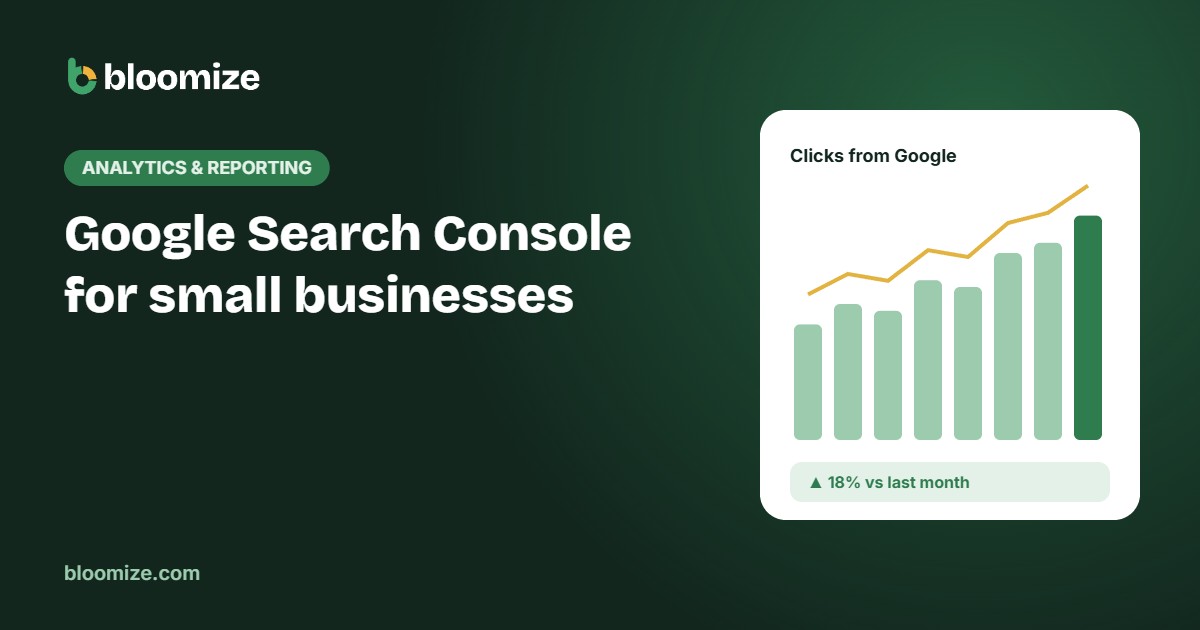
Google Search Console is a free tool from Google that shows how your website appears in Google Search. It’s the only place that tells you the actual searches people typed before they found you, so it’s one of the most useful tools a small business can connect.
The four numbers in Search Console
- Impressions: how many times your website appeared in Google results. Someone didn’t have to click; your listing just had to show up.
- Clicks: how many times someone clicked through to your website from Google.
- CTR (click-through rate): clicks divided by impressions. If your page shows up 1,000 times and gets 30 clicks, your CTR is 3%.
- Average position: where your page usually ranks. Position 1 is the top result. Positions 1 to 10 are roughly the first page.
How to read them together
Many impressions, few clicks: Google shows your page, but people choose someone else. Improve the page title and description so they clearly say what you offer, where, and why you’re the better choice.
Good CTR, low impressions: people like your listing, but it rarely appears. You likely need more content around the services and areas you cover, or stronger signals of trust such as reviews and mentions from other local sites.
Position 8 to 20: these are your best quick wins. You’re close to the top of page one. Small improvements to the page, like a clearer heading, a short FAQ, photos and internal links from your other pages, can move you up.
Look at the searches, not just the totals
Open the “Queries” list and sort by impressions. You’ll usually find three kinds of searches:
- Your business name. People who already know you. Good to see, but not new demand.
- Service + location searches, like “dentist in Glendale.” These bring new customers. Make sure each important service has its own page.
- Questions, like “how much does a roof inspection cost.” These are ideas for helpful articles or FAQ sections.
Check it monthly, not daily
Search numbers move around day to day. Compare the last 28 days with the 28 days before, and look for steady trends over a few months. Note when you made changes to your site, so you can tell what helped.
How to set it up
Go to Google Search Console, add your website as a property, and verify it. The “Domain” option, verified with a DNS record, covers every version of your site. If you use Bloomize, you then connect Search Console with one click and see these numbers on your dashboard next to your Maps rankings and reviews, explained in plain words.